
What you’ll be able to do
Get real help from the Google AI that already sits inside your email and documents.
- Get useful answers on your first try using the course's prompt formulaLesson 4
- Draft, reply to and polish emails and messages in GeminiLesson 8
- Summarise long material and compare sources instead of reading everything twiceLesson 9
- Build custom Gems for recurring jobs so you stop re-briefing Gemini each timeLesson 15
- Use Gemini directly inside Google Workspace and on your Sheets dataLessons 16–17
- Decide between the free tier and Gemini Advanced based on what each actually includesLesson 6
Certificate of Completion
Get a certificate when you finish, to show what you have learned.
Complete all lessons in the course
Who this is not for
This course may not be right for you if:
- You want to compare AI tools before committing. This course is Gemini end to end; tool comparisons live in other courses here.
- You don't use Google Workspace. The Module 3 advantages — Gmail, Docs, Sheets integration — depend on it.
- You're an experienced prompt engineer. Module 1 will be familiar ground.
About this course
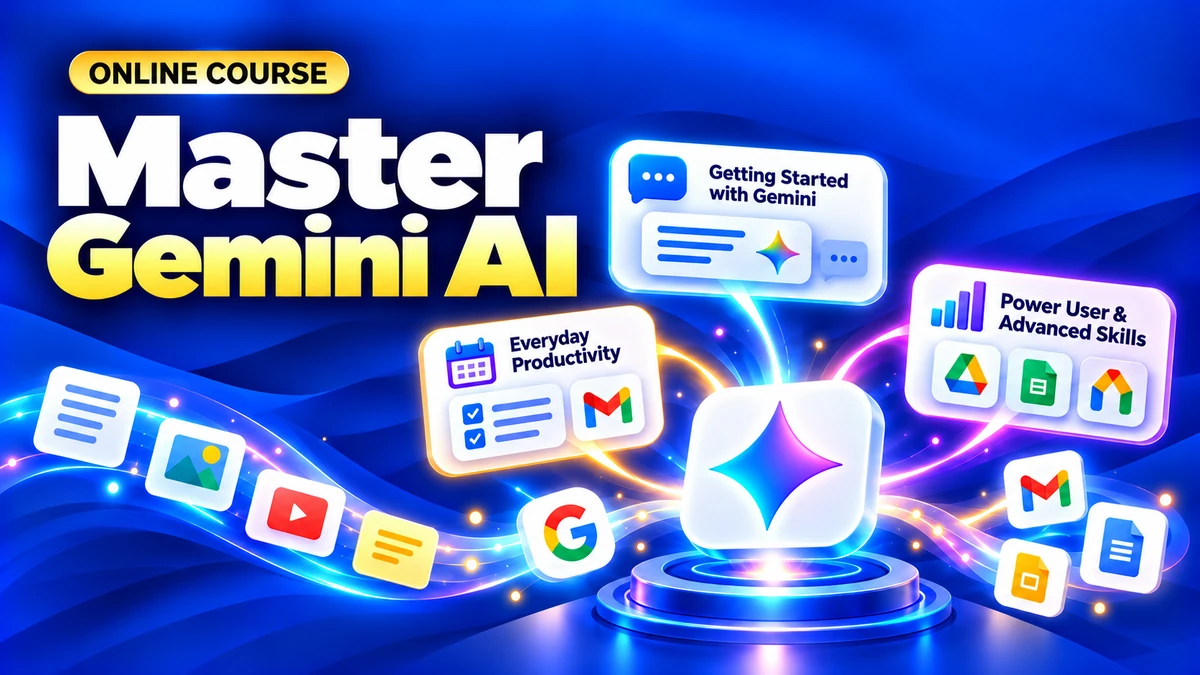
If your email, documents and spreadsheets already live in Google, you have an AI assistant sitting inside them, and the odds are you've barely spoken to it. Most Gemini introductions stop at "ask it anything," which is exactly why most people's Gemini conversations go nowhere. This course starts at the actual beginning and keeps going past where intros stop. Module 1 covers what Gemini is, how it reads your questions, the prompt formula that gets useful answers first try, and an honest comparison of the free tier against Gemini Advanced so you upgrade on purpose, not on hype. Module 2 is the working week: email and messages, research and summarisation, content, brainstorming, learning, planning, plus images and multimodal input. Module 3 is the part most users never find: Gems (custom assistants you configure for recurring jobs), Gemini inside Google Workspace, Gemini working on your Sheets data, connected extensions, and a closing lesson on assembling it into a personal operating system. Lessons run four to five minutes each. It suits Google-native workers, students and small business owners who want one AI that's already where their work lives.
Frequently asked questions
Quick answers before you start.
Do I need to pay for Gemini?
No. The course starts with the free tier and includes a full lesson on what the paid tier adds, so you can decide with the facts rather than the marketing.
How much time does it take?
Twenty-one lessons at four to five minutes each, plus a short task per lesson.
Do I need any technical background?
None. Lesson 2 is your first conversation; if you can type, you can follow along.
Is this just for work?
The course leans toward productivity, but Lessons 12–14 cover learning, planning and ideation for personal use too.
Ready to put Gemini to work for you?
Use the AI already built into Gmail, Docs and Sheets, starting with the free version.