
What you’ll be able to do
Use AI as a helper to build presentations faster, while you stay in charge.
- Set up an AI presentation workflow on one of three paths — including a zero-cost oneLesson 2
- Brief AI so the first draft is usable rather than genericLesson 3
- Research with AI without ever putting an invented statistic on a slideLesson 4
- Force the deck's structure into the open before any slide gets writtenLesson 5
- Turn an existing document, report or spreadsheet into slides that keep the pointLessons 7–8
- Have AI critique your finished deck and prepare to deliver itLessons 16–17
Certificate of Completion
Get a certificate when you finish, to show what you have learned.
Complete all lessons in the course
Who this is not for
This course may not be right for you if:
- You want design theory: typography, colour palettes, master slides. This course is about working with AI, not graphic design.
- You present at a Hollywood level already. This is for working professionals who make decks as part of the job.
- You want AI to fully automate presenting. The course's own position is that judgement stays yours.
About this course
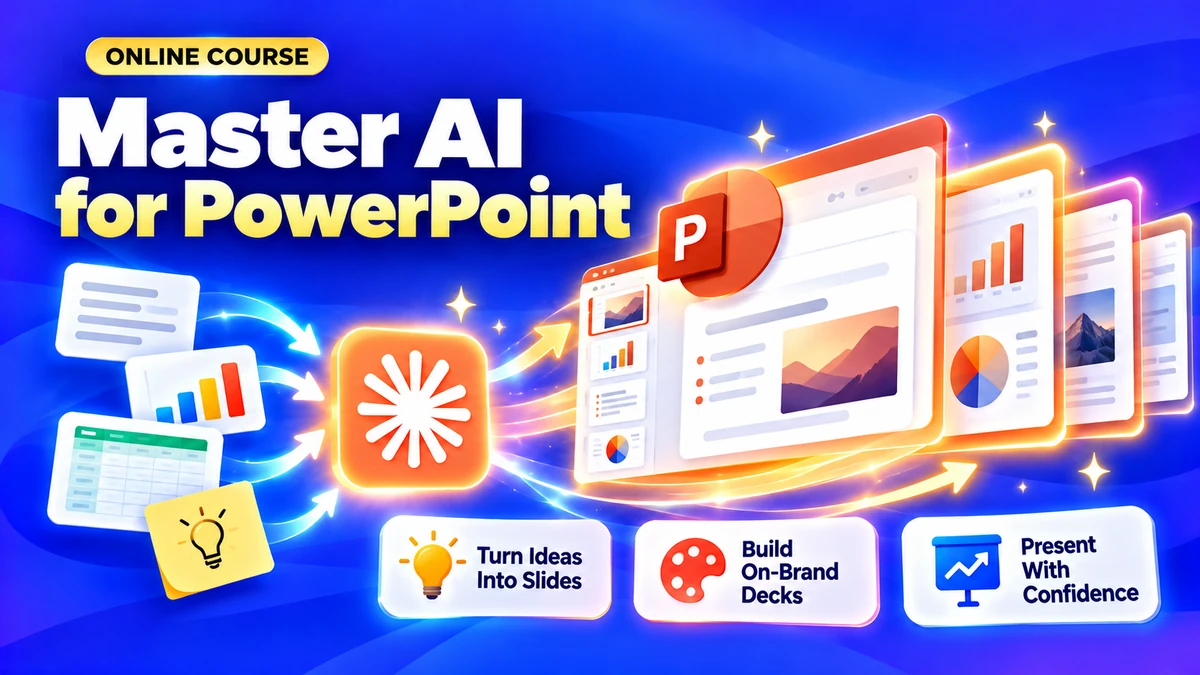
The weekend deck is a specific kind of misery. The outline isn't the problem, the content isn't the problem — the hours vanish in the mechanical part: slide after slide, layout after layout, hunting an icon. Most AI presentation advice makes it worse by treating AI as a design button: press it, receive a deck, get something generic nobody remembers. This course takes the opposite position — AI is a thinking partner, not a slide machine — and starts with a decision most courses skip entirely: your setup. Lesson 2 lays out three honest paths, including one that costs nothing, because paid Copilot licences aren't universal and IT often controls them. Every later lesson works on all three. From there: briefing AI so the first draft is usable (Lesson 3), researching without putting a fabricated figure on a slide (Lesson 4 — the course is blunt about AI-invented statistics), forcing the structure into the open before any slide exists (Lesson 5), then building from an idea, a document or a spreadsheet (Lessons 6–8). Module 3 covers brand consistency, business presentations, sales and pitch decks, and two lessons most courses lack: AI critiquing your deck honestly, and preparing to actually present it. Eighteen lessons, five to nine minutes each. It suits anyone who presents at work and wants the weekend back without a licence requirement hanging over it.
Frequently asked questions
Quick answers before you start.
Do I need Microsoft 365 Copilot?
No. Lesson 2 sets out three paths including one that costs nothing, and every lesson works on all three — the course was built that way deliberately.
How much time does it take?
Eighteen lessons at five to nine minutes each, plus a task per lesson and a final project.
Will AI invent statistics for my slides?
Unprompted, it will — Lesson 4 is specifically about preventing that, and why one wrong number costs you the room.
Can it fix a deck I already have?
Yes. Lesson 8 is a rescue workflow for an existing bad deck, not a rebuild-from-scratch.
Ready to build better presentations with less effort?
Use AI to plan, build and check your slides. No paid Copilot licence needed.