
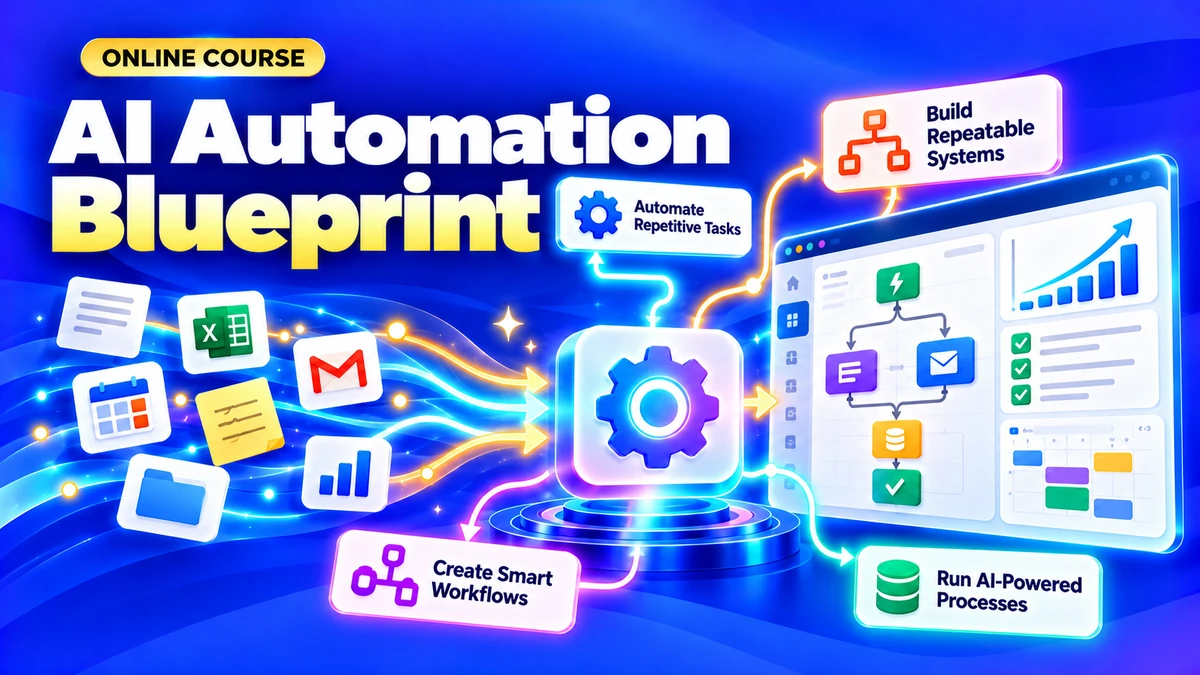
What you’ll be able to do
Find the tasks that eat up your week and hand them to simple automations.
- Audit your week and identify which repetitive tasks are worth automatingLesson 2
- Build a working trigger-action-logic workflow in your first moduleLessons 3–4
- Automate email triage and follow-up sequences so your inbox sorts itselfLessons 8–9
- Connect forms, spreadsheets and documents into pipelines that update themselvesLessons 15–19
- Choose between Zapier, Make, n8n and AI agents on purpose, not by accidentLesson 7
- Design multi-step workflows with conditional branching that don't fail silentlyLessons 6, 23–24, 27
Certificate of Completion
Get a certificate when you finish, to show what you have learned.
Complete all lessons in the course
Who this is not for
This course may not be right for you if:
- You want someone to build it for you. This course teaches building; the try-it tasks expect you to connect real apps.
- You have zero tolerance for setup friction. Connecting apps and testing flows is the work; it's front-loaded and it's honest work.
- You need enterprise-grade integration engineering. This is a practical blueprint, not a certified platform.
About this course
Most people automate nothing. Not because they're lazy, but because automation sounds like an engineering project: APIs, scripts, something that breaks at 2am. So the same tasks run manually every week. The same emails get sorted by hand. The same data gets copied between the same three apps, by a human, again. This course starts one step before the tools, with the audit framework in Lesson 2 that finds which of your tasks are actually worth automating. Then it teaches the three building blocks every automation uses, triggers, actions and logic, and has you build a working if-this-then-that flow within the first module. From there, 28 lessons in four modules take you through the real work: email triage, smart follow-up sequences, meeting lifecycles, Slack and Teams workflows, spreadsheet and form pipelines, document generation, CRM updates and file organisation. Module 4 covers the engineering-shaped parts, multi-step workflow design, conditional branching, AI agents, webhooks and monitoring, with a lesson on error handling so your builds survive contact with reality. Lesson 7 compares Zapier, Make, n8n and AI agents so you pick a tool on purpose. Lessons are 5-minute reads with build tasks. It suits small business owners, ops-minded professionals and freelancers who suspect their week has recoverable hours in it, and are right.
Frequently asked questions
Quick answers before you start.
Do I need to code?
No. The core lessons use visual trigger-action building. The webhooks lesson (26) goes deeper for those who want it, but it's not required to build the main workflows.
Which tools does it cover?
Lesson 7 compares Zapier, Make, n8n and AI agents, and the build lessons work with standard free tiers to start.
How much time does it take?
28 lessons, each about a 5-minute read, plus build tasks that vary with what you connect.
Will my automations break?
Everything breaks sometimes. Lesson 6 is specifically about error handling and recovery so failures are caught rather than silent.
Ready to stop doing the same tasks by hand?
Build simple automations for email, files and data. No coding needed.